
Your First Collection
Create a collection, add fields, and browse data in the admin panel.
1
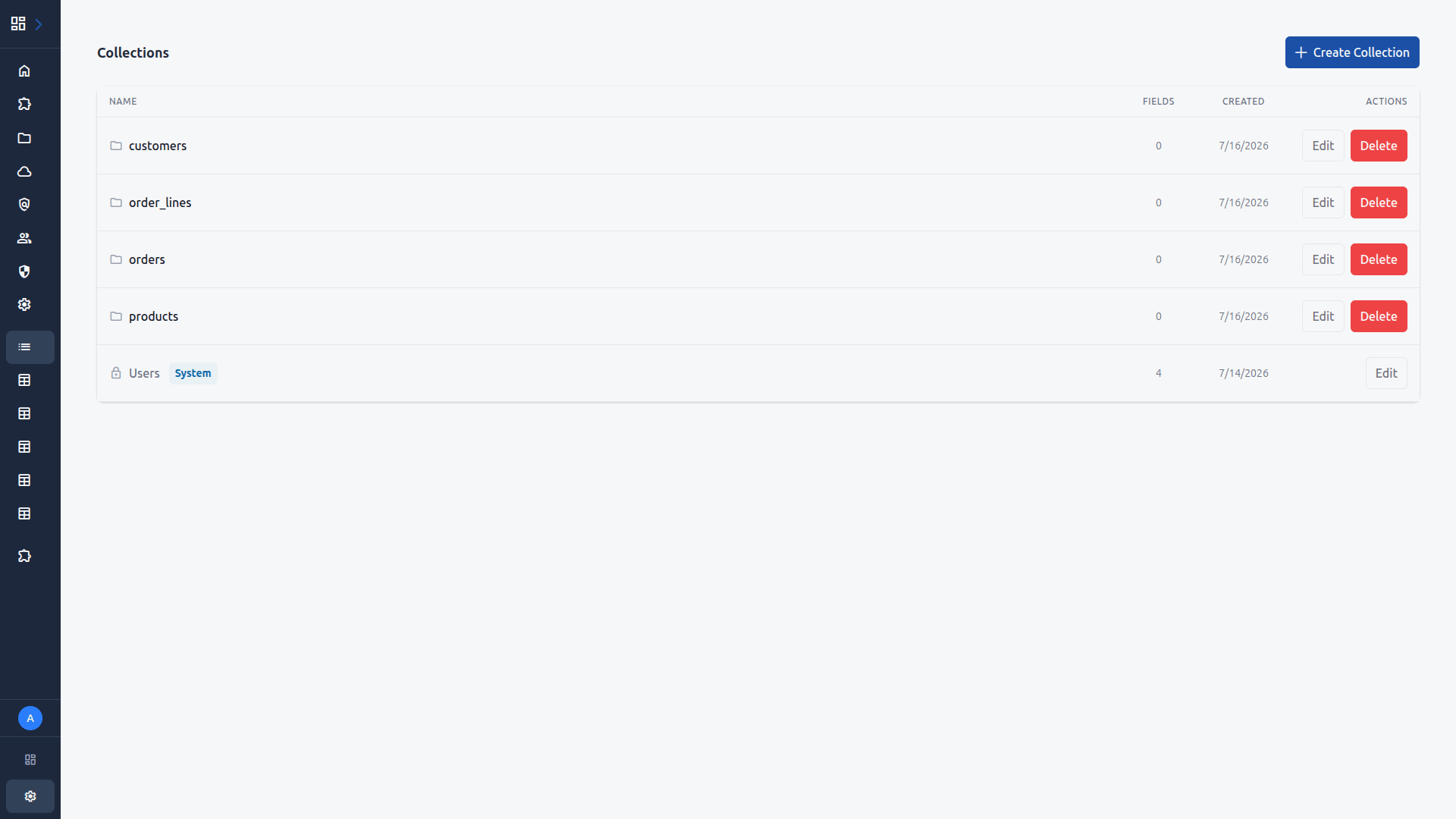
Navigate to Collections
Log in to the admin panel at http://localhost:8080/adminand click Collections in the sidebar. You will see any existing collections listed here.
2
Create a Collection
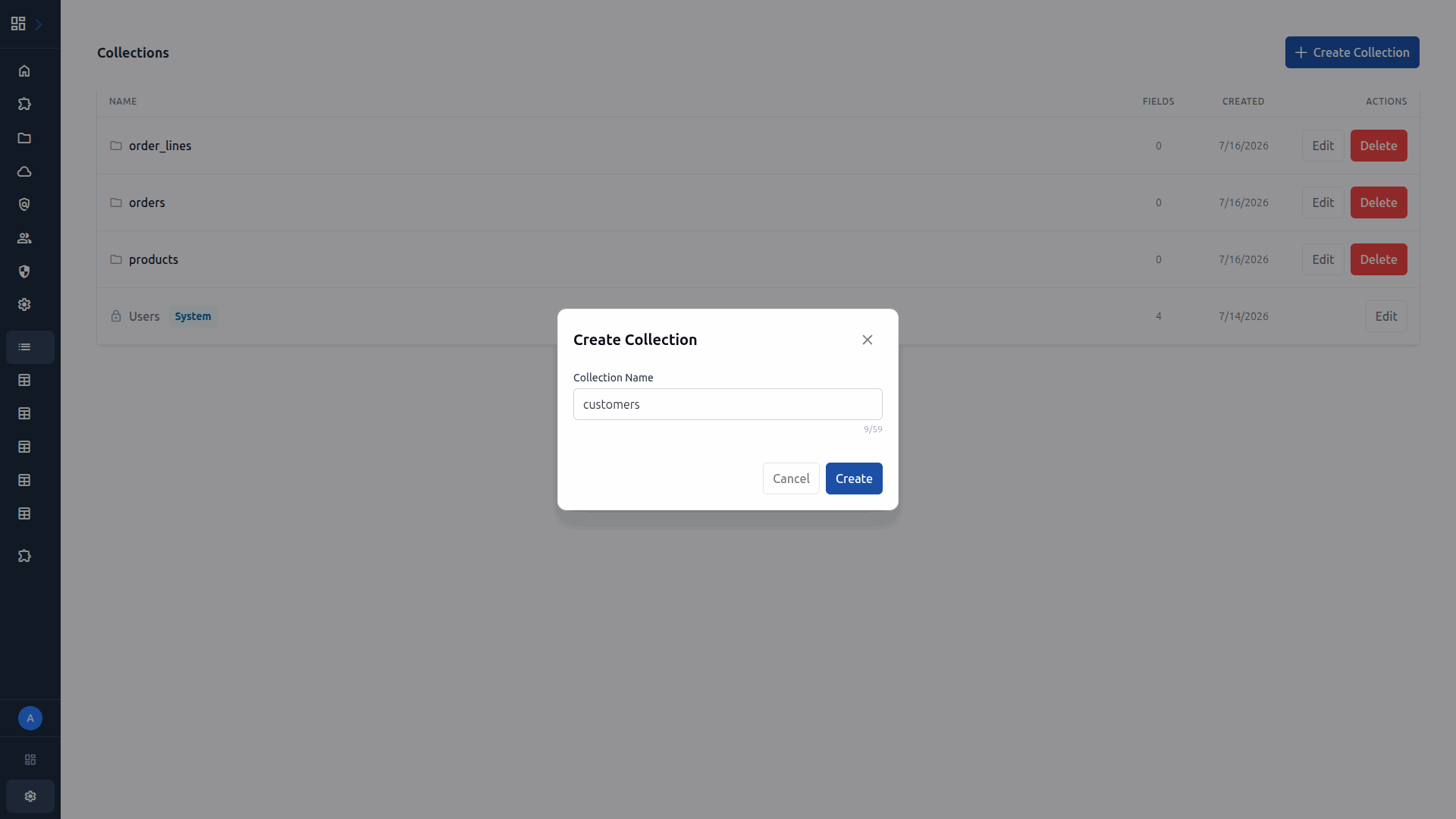
Click Create Collection. A dialog appears where you enter the name. Name it customers and click Create.
3
View the Collection Detail
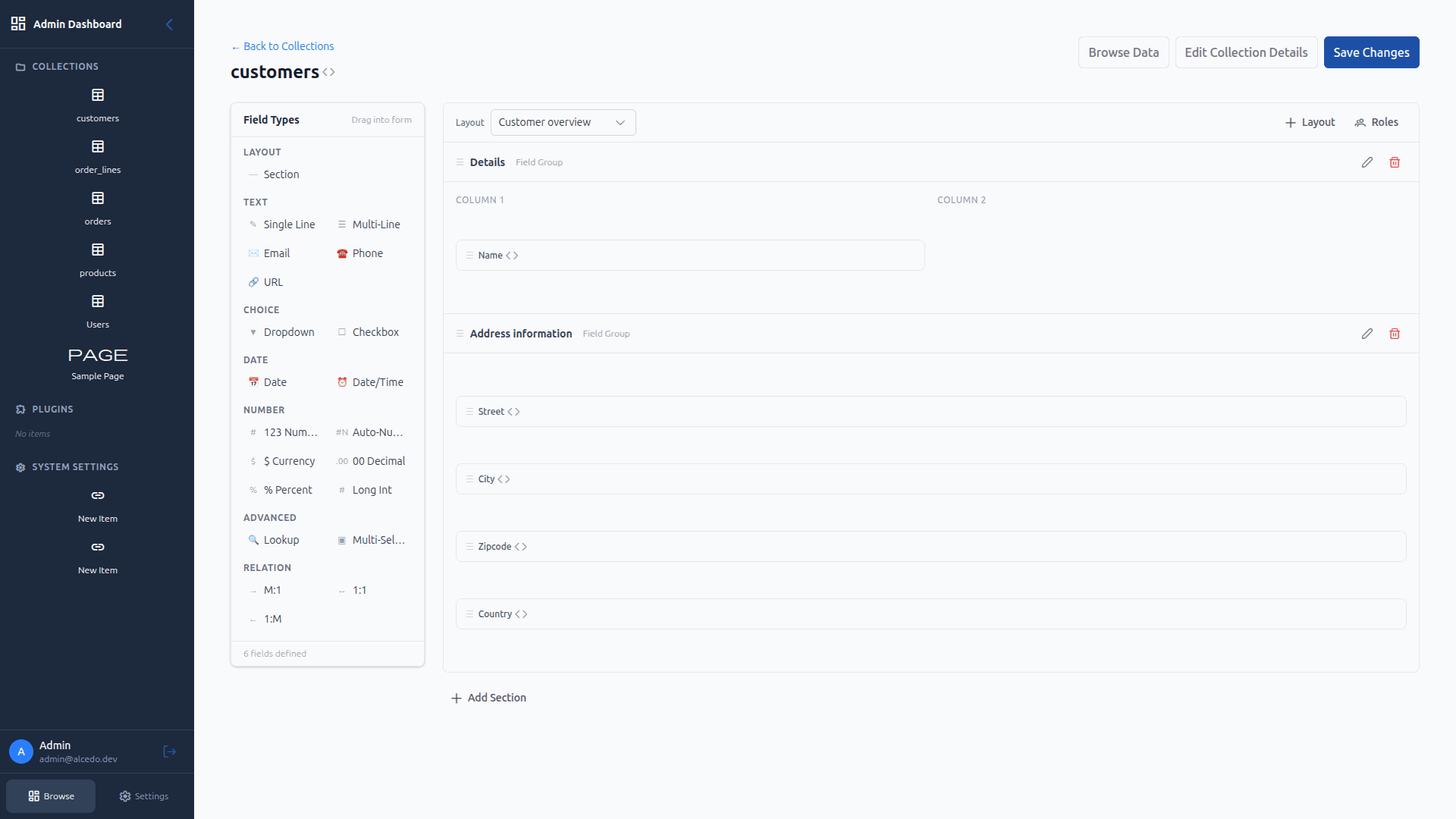
After creation, you are taken to the collection detail page. Here you can add fields, configure sections, and manage the schema. Click Edit Collection Detailsto modify the collection.
4
Browse Data
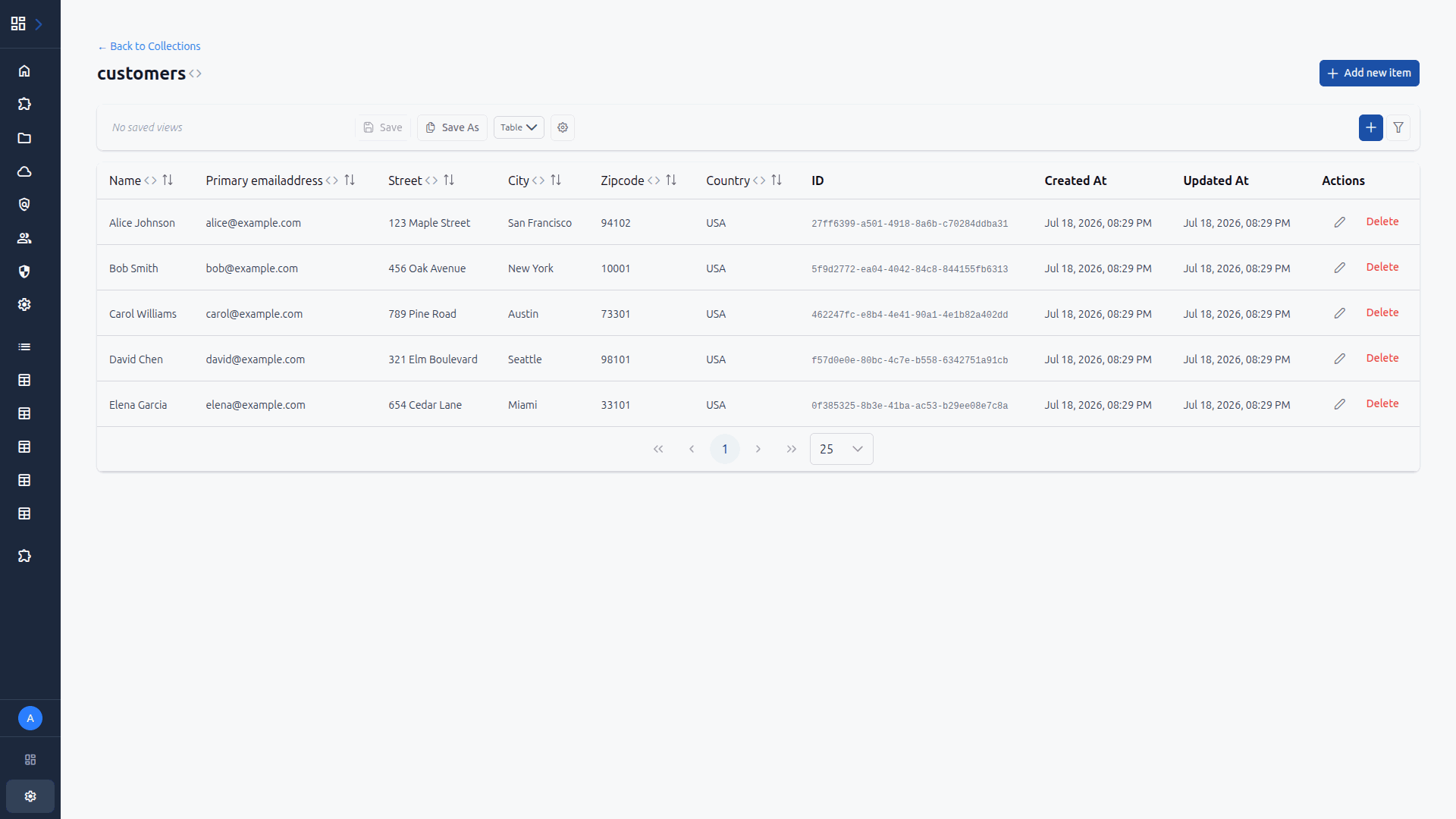
Click Browse Data to see the table view of your collection. Even without data, you can see the column structure. As you add items, they will appear here with filtering and pagination.
Get notified about new features and release announcements.