
Setting Up Permissions
Create roles, policies, and test users to control access to your collections.
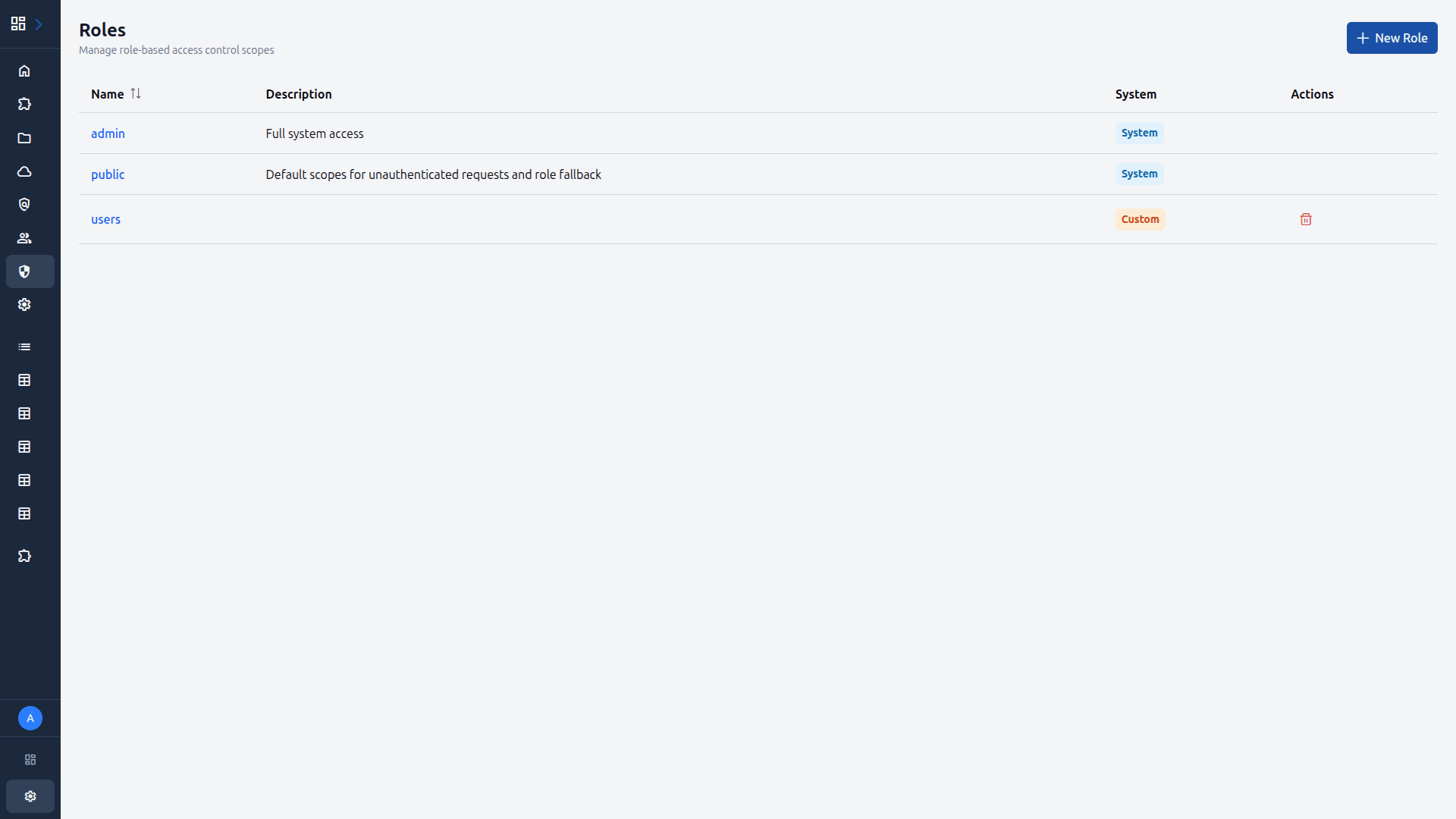
Navigate to Roles
Click Roles in the admin sidebar. This page lists all existing roles. You will see the admin role with full access.
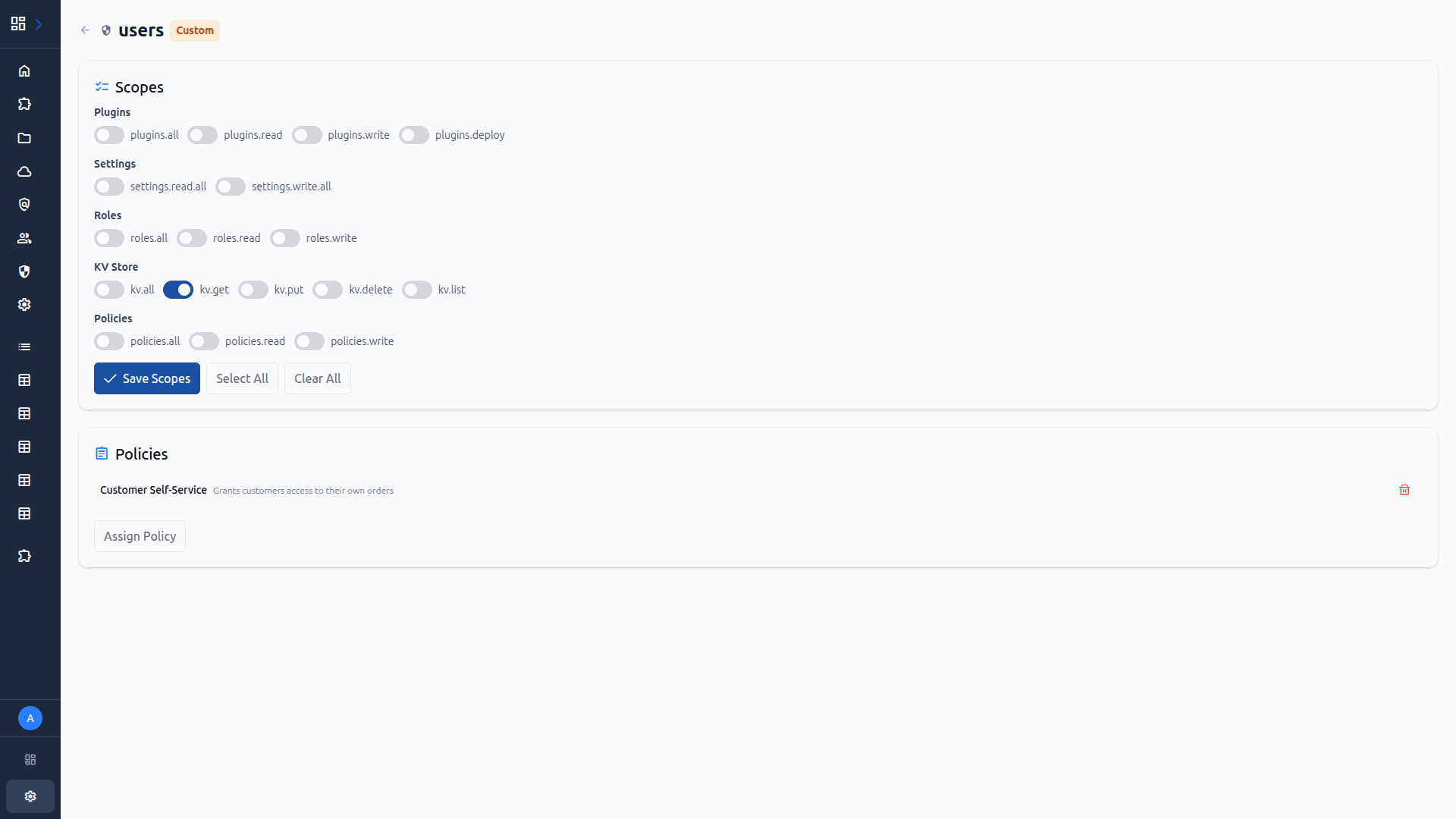
Create a Role
Click Create Role. Enter a name, assign scopes such asitems.read anditems.write, then click Create.
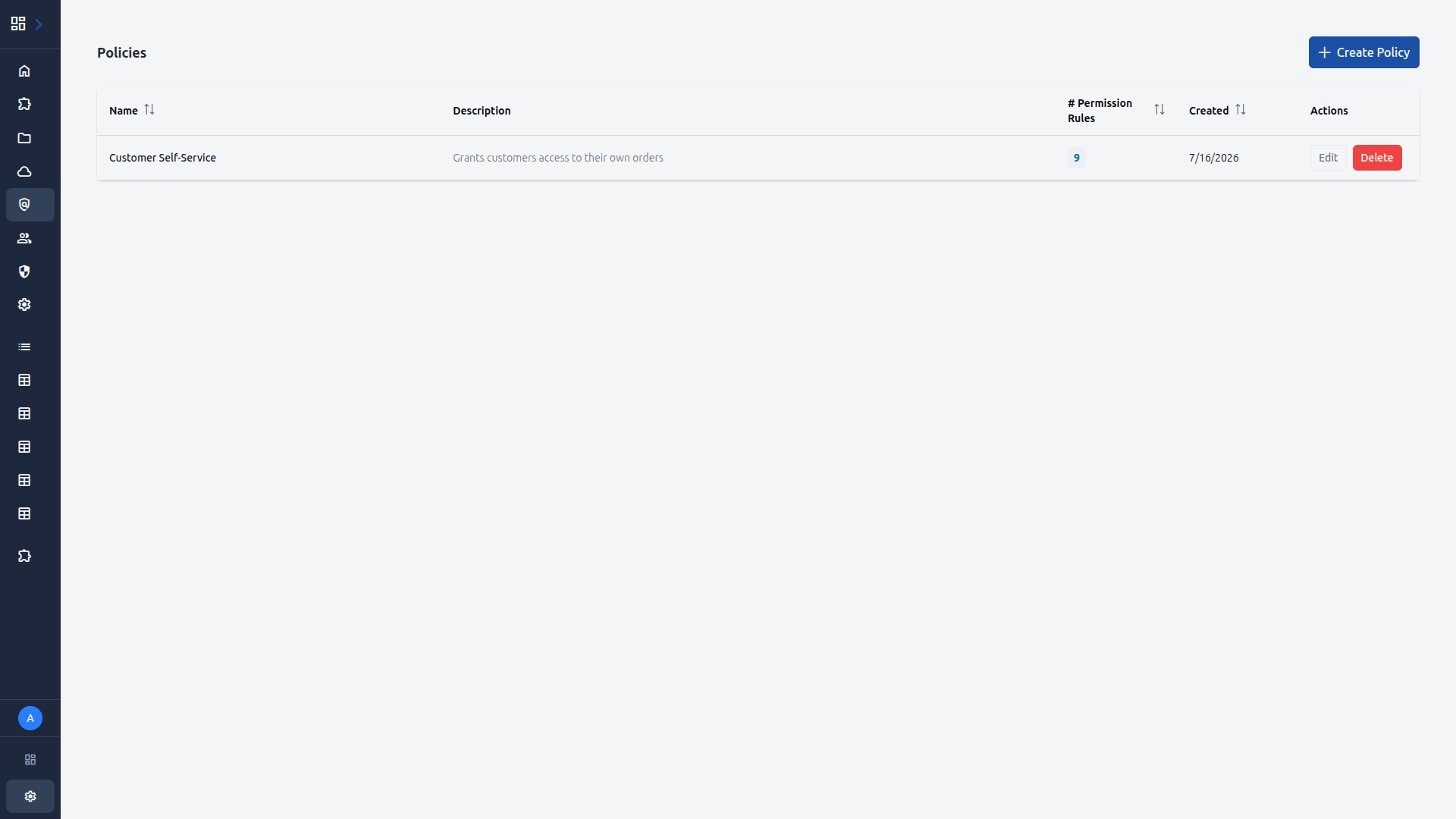
Navigate to Policies
Click Policies in the sidebar. Policies define row-level and field-level access rules. You can see any existing policies here.
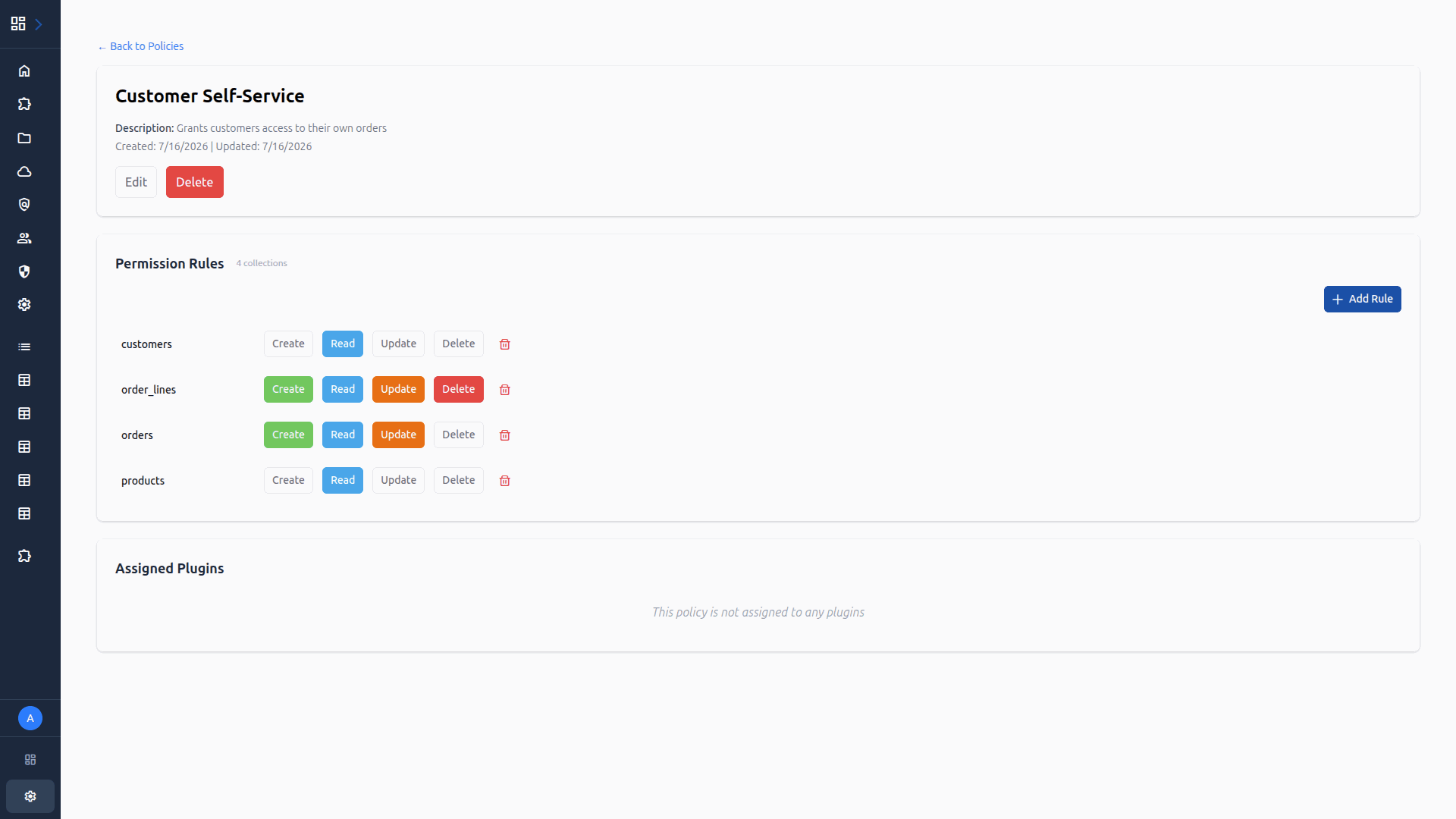
Configure Policy Rules
Click on a policy name to open its detail page. Here you can add permission rules targeting specific collections. Each rule can grant read, create, update, and delete permissions with optional field restrictions.
Manage Users
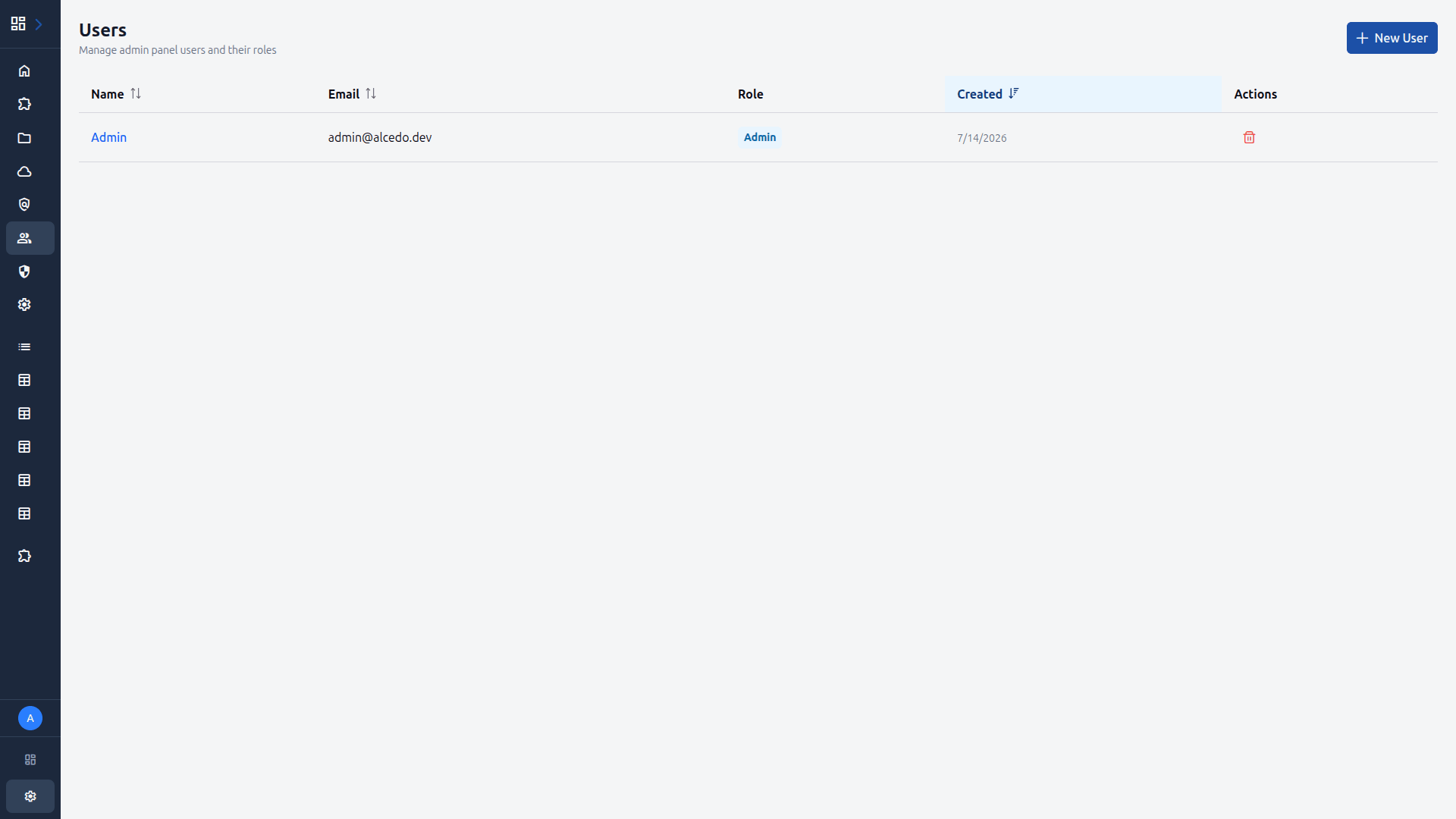
Navigate to Users to view and manage user accounts. You can assign roles to users here, granting them the permissions defined in your roles and policies.
Get notified about new features and release announcements.