
Quick Start
Get AlcedoCore running locally in under 5 minutes. You only need to have Docker installed.
Use our Docker Compose generator
Generate a docker-compose.yml file for your project:
Save the generated YML as docker-compose.yml in your project directory, then run docker compose up -d to start the full stack: plugin-core, PostgreSQL 16, Redis 7, and the admin UI behind Nginx.
Open the admin panel
Open http://localhost:8080/admin in your browser. Log in with:
Email:admin@alcedocore.nl
Password:admin123!
These credentials are set via the ADMIN_EMAIL and ADMIN_PASSWORD environment variables.
Create your first collection
Navigate to Collections in the sidebar and clickCreate Collection.
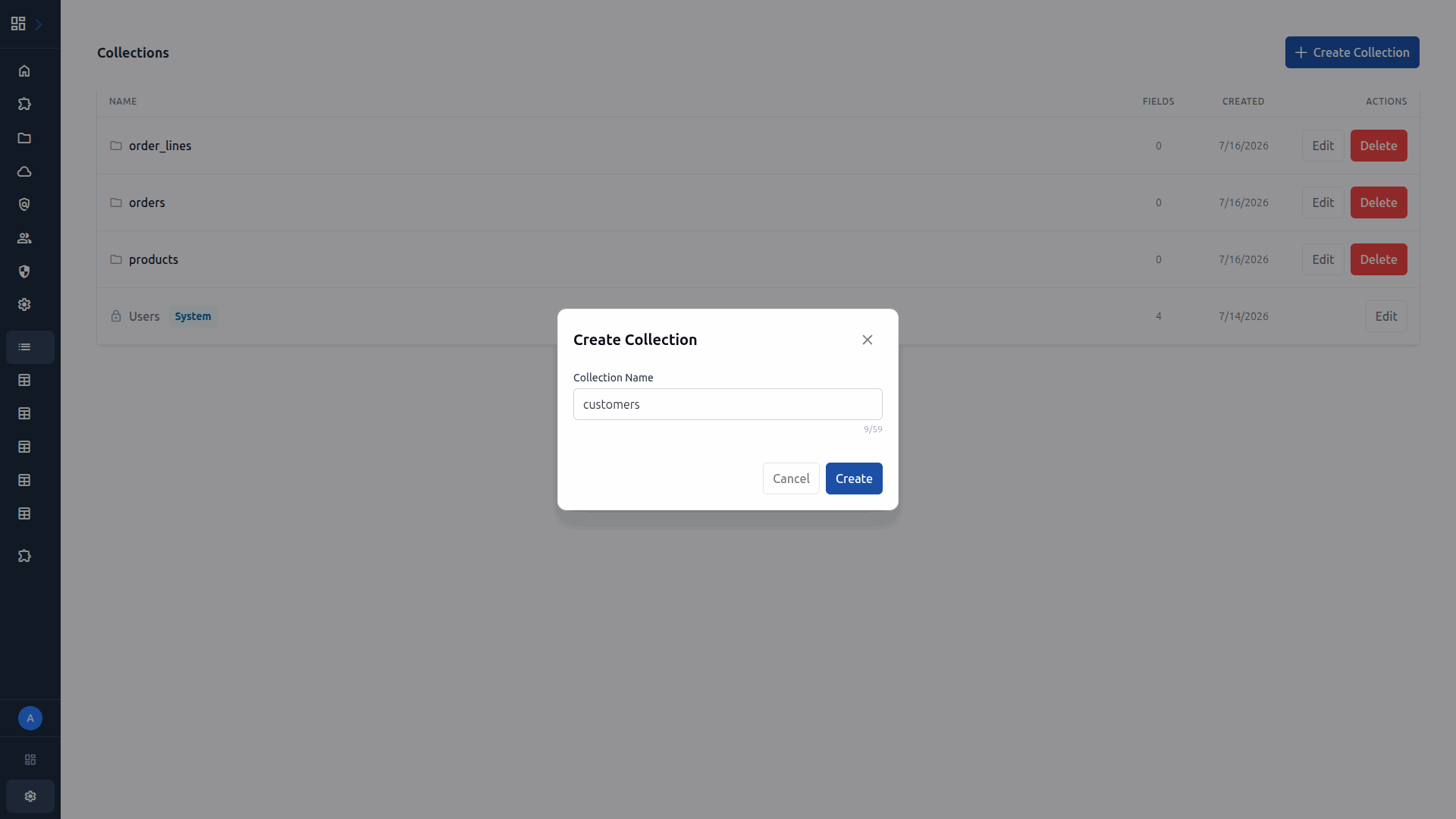
Enter a name (e.g. "customers") and click Create. You can add fields later.
Next steps
You are up and running. From here you can:
- Add fields to your collection in the Collection Builder
- Create roles and policies for access control
- Build a custom plugin in Python, Node.js, or Rust
- Explore the auto-generated API docs at
/apidocs
Get notified about new features and release announcements.